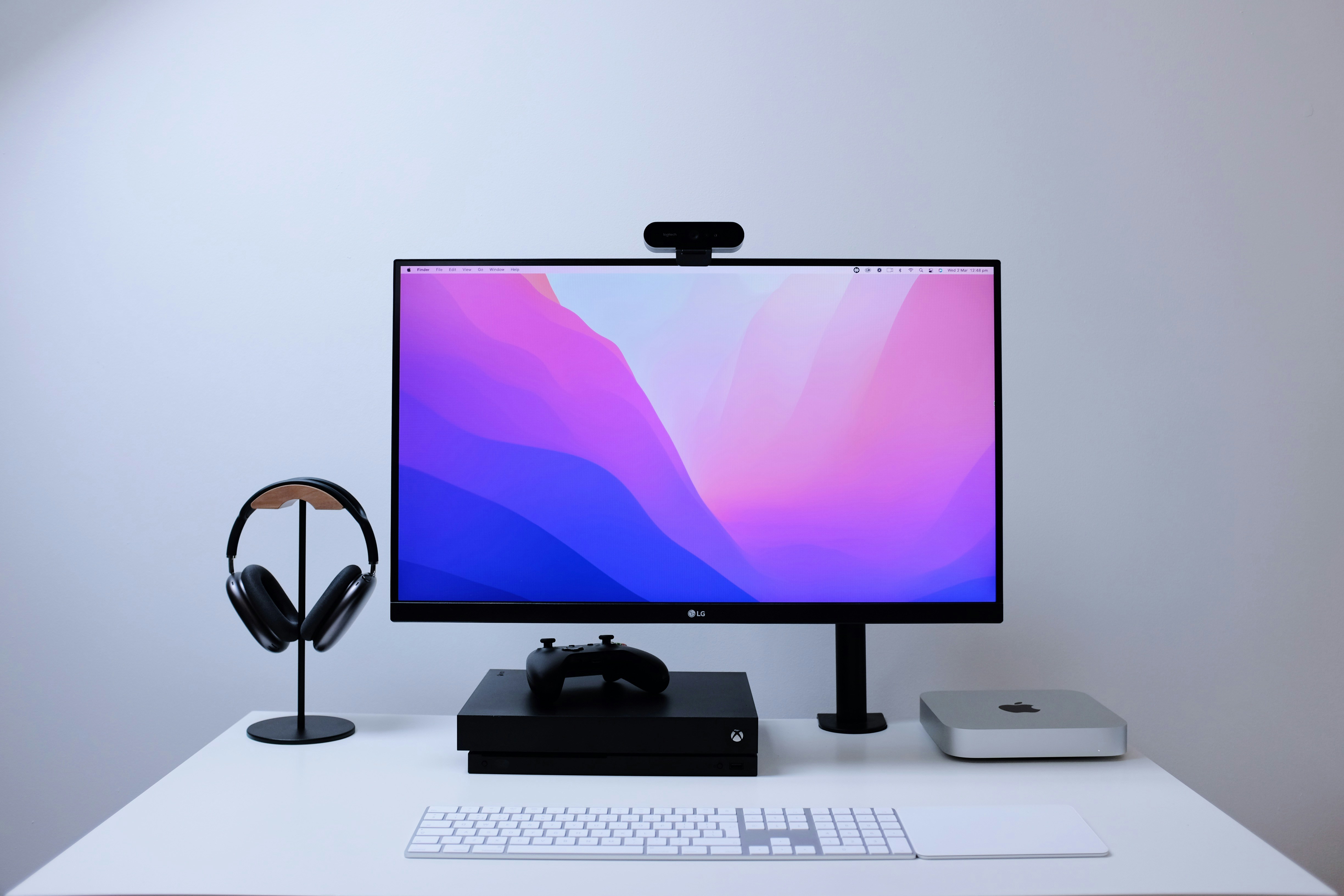
Photo by Charles Patterson on Unsplash
Desk Setup Builder may earn a commission from purchases made through links in this article.
A monitor arm does three things at once: it reclaims the desk space your monitor stand is sitting on, it lets you position your screen at the exact height and angle your neck needs, and it makes your setup look significantly cleaner. If you spend more than a few hours a day at your desk, a monitor arm pays for itself in comfort alone.
All of the arms below use the standard VESA 75x75mm or 100x100mm mounting pattern. Check the back of your monitor for four threaded holes in a square pattern, if they are there, you are good to go.
The Ergotron LX Desk Mount is the gold standard. It supports monitors up to 34 inches and 25 lbs with buttery smooth articulation that holds position without drooping. The constant-force spring means you can reposition your screen with one finger. Build quality is excellent, the arm is mostly aluminum and comes with a 10-year warranty.
The LX tilts 75 degrees back and 5 degrees forward, extends 25 inches from the pole, and offers 13 inches of height adjustment. Cable management is built in with a removable channel that hides everything. At around $170-180, it isn't cheap, but it's the arm most people keep for a decade.
The VIVO STAND-V001 is the most popular budget monitor arm on Amazon for a reason. It handles monitors up to 27 inches (and ultrawides up to 38 inches) weighing up to 22 lbs. The arm is fully adjustable with tilt, swivel, and 360-degree rotation. For around $36, you get 80% of what the Ergotron does.
The tradeoff is feel: repositioning isn't as smooth, and you may need to use an Allen wrench to adjust tension when you first install it. But once dialed in, it holds position reliably. If you're on a budget or unsure whether you want a monitor arm at all, start here.
The VIVO Premium Aluminum (STAND-V001Q) splits the difference between the budget VIVO and the Ergotron LX. The gas spring mechanism provides smooth height adjustment without Allen wrenches, just grab and move. The aluminum construction looks and feels premium. It supports monitors up to 32 inches and 19.8 lbs.
At around $40-50, this is the sweet spot for most people. You get gas spring smoothness and aluminum build quality without paying Ergotron prices. The integrated cable clips keep things tidy. If your monitor weighs under 20 lbs, this is our recommendation for most setups.
The Ergotron LX Dual Side-by-Side Arm mounts two monitors up to 27 inches (20 lbs each) on a single pole. Each arm moves independently with the same smooth Ergotron articulation. The shared pole means one clamp point on your desk instead of two, which is cleaner and saves space.
This is the standard recommendation for dual monitor setups. At around $300, it's a serious investment, but it replaces two separate arms and gives you the consistency of matched positioning. If your monitors are 27 inches or smaller and under 20 lbs each, this is it.
If you run a three-monitor setup, the Mount-It! Triple Monitor Mount is a standout value. It supports three monitors from 13 to 32 inches at up to 17.6 lbs per arm, with gas spring mechanisms on all three arms for smooth, tool-free adjustment. That puts it in a category most budget triple mounts can't reach, independent gas spring arms instead of fixed crossbars.
A nice bonus is the built-in USB-A and USB-C ports on the base, which means fewer cables running to the back of your PC. It ships with both clamp and grommet mounting options and uses standard VESA 75x75 and 100x100 patterns. For the price, it's hard to beat if you need three screens on a single mount.
If you have a large ultrawide (34 inches and above) or a heavy monitor up to 42 lbs, the Ergotron HX is the only arm worth considering. Most arms max out at 20-25 lbs, the HX goes to 42 lbs with zero sag. The heavy-duty spring mechanism is specifically engineered for the weight and leverage of large panels.
At around $300-400, this is a premium purchase, but if your monitor cost $800 or more, skimping on the arm is a false economy. A drooping arm puts stress on the VESA mount and risks your display. The HX holds rock-solid.
The decision comes down to three things:
1. Weight. Weigh your monitor (check the spec sheet, it's listed without the stand). Most 24-27 inch monitors weigh 8-15 lbs. Ultrawides over 34 inches often exceed 20 lbs. Pick an arm rated above your monitor weight, never at the exact limit.
2. Desk thickness. C-clamp mounts work on desks up to about 3.5 inches thick. If your desk is thicker, or if you have a glass top, look for grommet mount options (drill a hole through the desk). Most arms in this list include both options.
3. Budget. If you can afford it, the Ergotron LX is the right answer for most people. If not, the VIVO Premium Aluminum gets you 90% of the way there at a quarter of the price. Avoid the absolute cheapest arms under $25, the tension springs wear out fast and your monitor will start drooping within a year.
For most people with a 24-32 inch monitor: get the VIVO Premium Aluminum. It's the best value in monitor arms right now, gas spring, aluminum build, smooth adjustment, under $50. If you want the absolute best and don't mind paying for it, the Ergotron LX is still king. And if you want to see how other people are mounting their monitors, browse real desk setups on Desk Setup Builder for inspiration.


