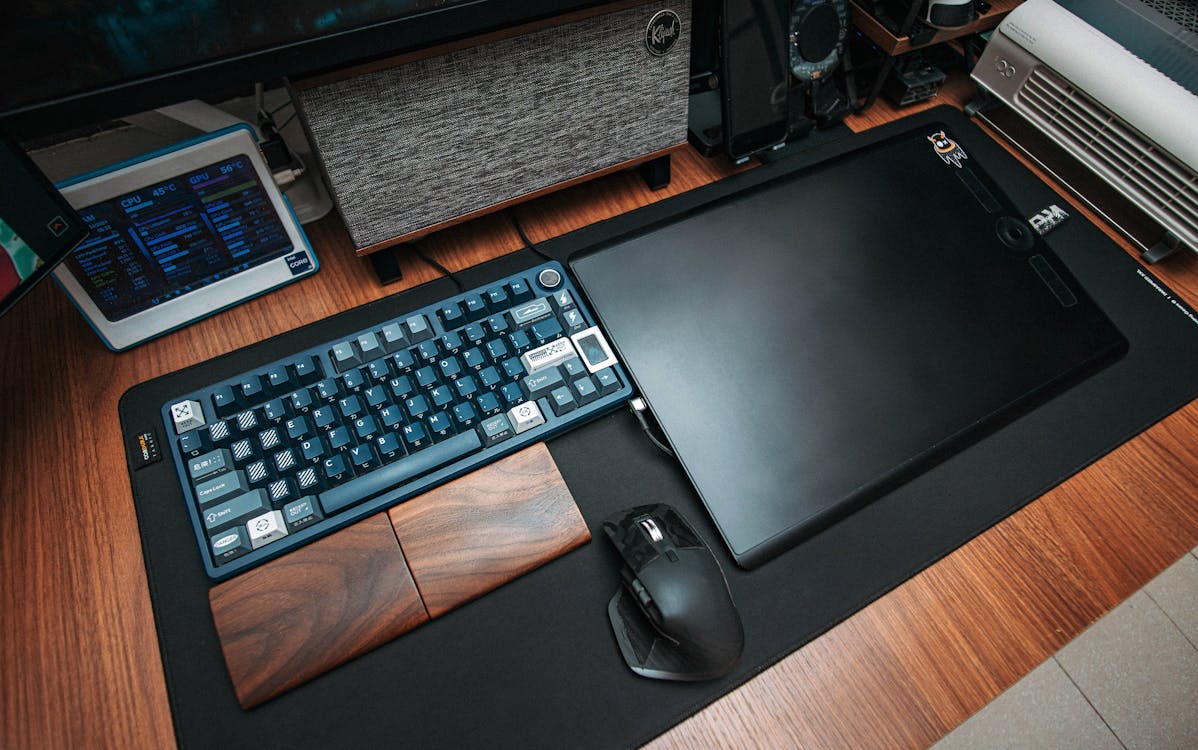
Photo by FOX on Pexels
Desk Setup Builder may earn a commission from purchases made through links in this article.
You can have a $3,000 desk setup with premium peripherals and a beautiful monitor, and it will still look terrible if there are fifteen cables dangling behind your desk like a nest of snakes. Cable management is the highest-impact, lowest-cost improvement you can make to any workspace. It also makes cleaning easier, prevents cables from getting yanked out when you move your chair, and reduces the chances of tripping on a loose power cord.
The good news is that you don't need to spend much money or time to get great results. A Saturday afternoon and $30-50 in supplies will transform a messy desk into a clean one. Here's how.
Before you buy anything, unplug every cable from your setup. Yes, all of them. Lay them out and figure out what connects to what. Group cables by destination, everything going to your PC, everything going to the power strip, everything going to the monitor. This tells you how many bundles you need and where they need to run.
Decide where your power strip will live. The ideal spot is mounted to the underside of your desk or to a desk leg, off the floor, hidden from view, but accessible when you need to plug something in. This single decision eliminates most of the cable mess people deal with.
An under-desk cable tray is the single most useful cable management product you can buy. It mounts to the underside of your desk with screws or heavy-duty adhesive and holds your power strip, excess cable length, and adapters out of sight. When you look at your desk from the front or side, you see nothing.
The Under Desk Cable Management Tray by Yecaye is our go-to pick. It's a sturdy metal tray that holds a full power strip plus a dozen cables, installs in 10 minutes, and costs around $15. It comes in single and double packs.
If you have cables running from your desk down to a floor outlet or along a wall, a cable raceway turns that visible run into a clean channel. The J Channel Cable Raceway by SimpleCord is a popular choice, it's a set of adhesive-backed channels that snap open and closed. You press them to the wall or desk edge, drop your cables in, and close the cover. The adhesive is strong enough to hold without screws on most surfaces.
For grouping cables together along a run, velcro ties are far better than zip ties. Zip ties are permanent, if you need to add or remove a cable, you have to cut the tie and replace it. Velcro ties are reusable, adjustable, and won't damage cables by overtightening.
The VELCRO Brand ONE-WRAP Cable Ties are the standard. A pack of 100 costs around $10 and will last you through multiple desk setups. Use them to bundle power cables together, secure USB cables along desk legs, and keep your monitor arm cables tidy.
For single cables that need to follow a specific path, like a charging cable that runs from your desk tray up to the desktop surface, adhesive cable clips are the answer. Stick them along the edge of your desk or monitor arm to create a guided path. This is especially useful for cables you plug and unplug regularly, like phone chargers.
If you have a bundle of cables that runs from your desk to a wall outlet or from a standing desk down to the floor, a cable sleeve wraps the entire bundle into a single fabric tube. It looks cleaner than individual cables and hides the different colors and thicknesses. A split cable sleeve with a zipper is the easiest to install, you lay it out, drop the cables in, and zip it up.
When you sit at a desk with clean cable management, the difference is immediately obvious. The surface feels open, the space feels intentional, and you stop noticing the infrastructure entirely, which is exactly the point. For more accessories that help keep your setup clean, check out our accessories catalog, or browse real desk setups to see how other people handle their cables.


